










Instagram Profile Analyzer

Instagram Profile Analyzer, With Receipts

This Instagram profile analyzer reads the bio, public posts, visuals, and patterns—then gives you the roast version.

No password required. The profile must be public while we analyze it.

Instagram Profile Analysis Beyond Follower Count

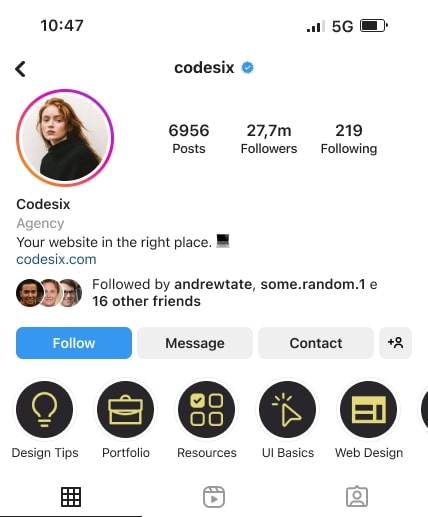
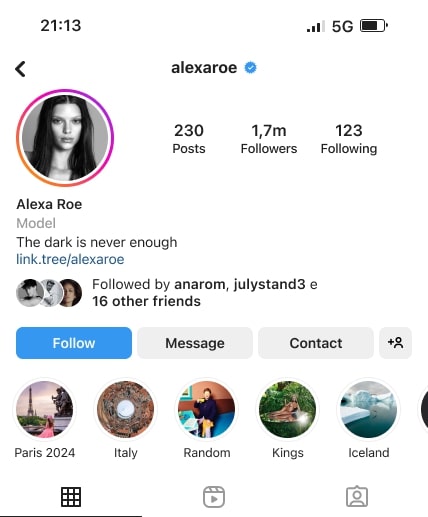
Paste a public Instagram @handle. The analyzer reads the bio, follower and following counts, visible photos and videos, and the patterns across the grid.

Profile Scan
Profile Scan
Profile Scan
Profile Scan
Profile Scan
Profile Scan
Profile Scan
Profile Scan
Profile Scan
Profile Scan
Profile Scan
Profile Scan
Profile Scan
Profile Scan
Profile Scan
Profile Scan
Profile Scan
Profile Scan
Profile Scan
Profile Scan
Profile Scan
Profile Scan
Profile Scan
Profile Scan

Your report connects the profile picture, bio, visual palette, recurring post choices, and captions into one Instagram-specific read. Then it suggests what to post or change before turning the best receipts into roast cards.

Instagram analytics asks

Which Instagram posts earn engagement, and is the follower count moving?

Inside Your Instagram Profile Analysis

The Instagram analysis separates the bio, grid patterns, visual identity, and next-post ideas—then turns the sharpest receipts into roast cards.

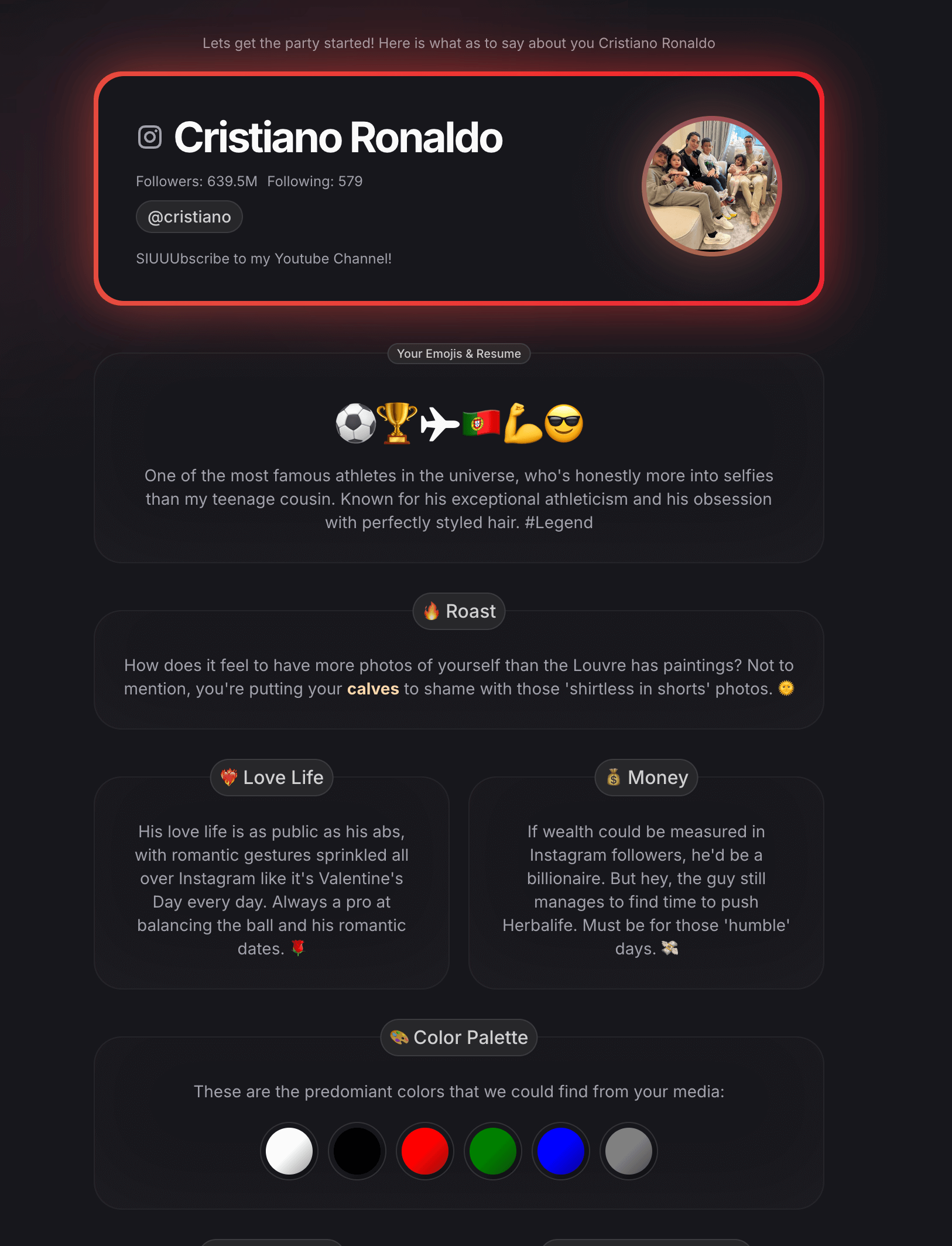
Full example of an Instagram profile analysis with summary, roast, visual palette, and profile sections
A real PleaseRoast report format. The sections shown are examples; each profile produces its own result.
01

Read the bio-and-grid first impression

Combine the profile picture, bio, counts, and opening grid into the impression an Instagram visitor gets in seconds.

The summary, emoji resume, traits, and public-perspective sections spell out that first impression without pretending it is the whole person.

02

Spot patterns across posts

Spot repeated subjects, colors, formats, and caption habits across the visible Instagram posts instead of overreading one photo.

The visual palette and profile-wide notes tie the result back to the actual feed, so it reads like this account—not a generic horoscope.

03

Plan what to post next

Turn the grid read into concrete Instagram post ideas instead of stopping at a vague personality label.

Suggested posts respond to what already appears in the feed or feels missing. Profile changes focus on the bio, content mix, and visible account choices you can actually update.

04

Share the Close Friends cut

Turn the strongest bio, grid, and posting receipts into shorter Instagram roast cards built for sharing.

The roast is the Close Friends cut of the analysis: specific to the public profile, sharp enough to screenshot, and still a joke rather than a verified claim.

Instagram Profile Analyzer

Instagram Profile Optimization Checklist

Before chasing follower growth, check whether a visitor can understand the account from its bio and first visible posts. These four checks use details you can actually edit.

01

Make the bio answer three questions

Who is this account for? What does it post? Why should someone follow? A visitor should not need the grid to decode the profile.

Check: remove filler words and put the clearest topic or benefit first.

02

Make the first posts prove the bio

Use pinned posts and the opening grid to show the introduction, strongest example, and current priority. The first screen should support what the bio promises.

Check: the profile promise and the first visible posts should tell the same story.

03

Build recognizable content pillars

Group recent posts into two to four recurring themes. Consistency helps visitors know what they will get without forcing every post into the same template.

Check: name each pillar, then look for a theme that dominates the feed or has disappeared.

04

Give every caption a clear job

A caption can explain the post, invite a response, or point to a next step. Without one of those jobs, the visual has to carry the entire message.

Check: scan recent posts for hooks, useful context, and calls to action that fit the account.

How the Instagram Profile Analyzer Works

Enter a public Instagram username. PleaseRoast scans the bio, profile details, captions, photos, and videos, then turns the visible patterns into a profile analysis and shareable roast cards.

01

Enter an Instagram username

Paste the public Instagram username or full profile link. No account connection or password is required, but the profile must stay public during the scan.

02

Scan the bio, photos, and videos

PleaseRoast gathers the public bio, follower counts, captions, and available photos or videos so the analysis can read the Instagram profile as a whole.

03

Get the analysis and roast cards

Receive a profile summary, visual palette, personality-style traits, suggested posts, profile changes, and shareable roast cards in one report.

Choose the Right Instagram Analyzer

Use Instagram analytics for engagement trends. Use a chatbot for captions you paste yourself. Use PleaseRoast when you want the bio, grid, visible posts, and public persona read together.

Track Instagram performance over time

Instagram analytics dashboard

Follower trends, engagement rates, post timing, and campaign comparisons.

Read the bio, grid, and posting persona

PleaseRoast

An Instagram profile summary, visual patterns, suggested posts, profile changes, and shareable roast cards.

Rewrite an Instagram caption you selected

General chatbot

A response based only on the caption, screenshots, and instructions you paste into the chat.

Analyze a private Instagram account

No public tool

No legitimate public-profile analyzer can read posts or media the account has not made public.

Instagram Profile Analyzer Limits: Public Profiles Only

A public Instagram profile shows how an account presents itself—not the full person behind it. Treat the profile notes as useful observations and the roast cards as entertainment.

Instagram Profile Analyzer FAQ

What happens after you enter an Instagram username, what the scan can read, and which parts of the report are written for entertainment.

  • What do I get in the Instagram analysis?

    The report can include a public-profile summary, visual palette, personality-style traits, a roast, suggested next posts, and suggested profile changes. The exact result depends on the public material available for that profile.
  • Does it show engagement rates or follower growth?

    No. PleaseRoast can show visible profile details, but it is not an engagement dashboard, follower tracker, fake-follower detector, or hidden-viewer tool. Use a dedicated analytics product when performance metrics are the main question.
  • Can it analyze a private Instagram account?

    The profile needs to be public while it is analyzed. A private profile does not expose the public posts and media needed for a useful profile read.
  • How is this different from asking ChatGPT?

    A chatbot can only work from the text and images you manually provide. PleaseRoast starts from the public profile, connects signals across the available profile material, and returns a structured visual report rather than one long chat response.
  • Can I analyze the same profile again?

    Yes. Profiles can be roasted again at another heat level. Each re-roast creates a new version, so the earlier result stays available rather than being overwritten.
  • Is this free?

    Partially, we offer a few free roasts per day, and we analyse your basic profile info for free. Additional data processing has costs associated with it, so we added a small fee for those who want extensive reports & funnier roasts with more context. Most of the money goes to the hosting, 3rd Party API, and yeah those damn Taxes!!

Analyze Another Social Profile

Each analyzer follows the language, content format, and public signals of its platform instead of swapping a network name into the same report.

Analyze a Public Instagram Profile

Paste an Instagram username or profile URL to get a profile summary, visual patterns, suggested posts, profile changes, and shareable roast cards.

Explore AI profile roasts for every platform